Riverside.FM Articles
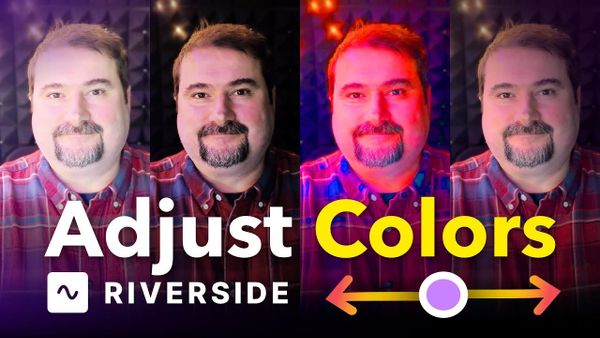
How to Use Color Adjustments in Riverside to Fix Dark or Off-Color Footage
A new feature to adjust colors has been added in Riverside and it could save a lot of back and forth in color correcting.

Riverside.FM Articles
A new feature to adjust colors has been added in Riverside and it could save a lot of back and forth in color correcting.
Riverside.FM Articles
I host my show on Riverside and recently ran into an issue: even when I publish a video episode from Riverside, Spotify displays it as audio-only.
Riverside.FM Articles
I walk through the exact steps I follow so you can replicate the same process and prepare metadata for YouTube without overworking each upload.
Riverside.FM Articles
When you download recordings from Riverside, you'll notice two video options: Raw video and Aligned video. If you plan to edit in external software like Premiere Pro, DaVinci Resolve, or Descript, the aligned video is the one you want, especially if you've had more than one
Riverside.FM Articles
Let me show you how I customize logo and brand in Riverside so your podcast or show consistently displays the right logo, colors, and placement across recordings and edits.
Riverside.FM Articles
By default, Riverside records in 720p. But if your camera supports it, you can bump the recording quality up to 1080p or even 4K HD. Here's how to change the resolution setting. Find the Recording Settings Go to Settings in the Riverside sidebar, then click Studio settings. Select
Riverside.FM Articles
I’ll show you a straightforward, repeatable process for creating and applying captions presets in Riverside so you don’t have to style captions from scratch for every video.
Riverside.FM Articles
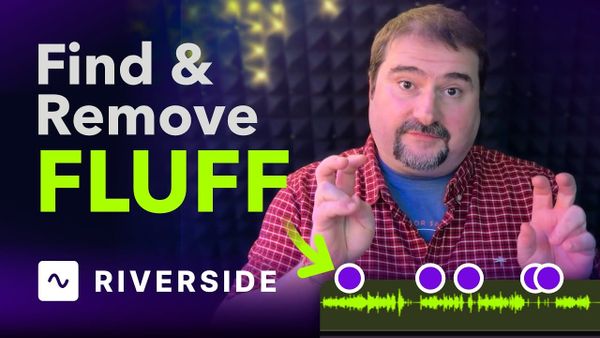
This new AI Tool in Riverside allows you to remove behind-the-scenes talk, mistakes and unnecessary segments from your recording.
Riverside.FM Articles
Now you can host your podcast on Riverside and you can stop juggling downloads and uploads between recording, editing and distribution. This step-by-step guide shows exactly how to do it.
Riverside.FM Articles
Need accurate transcription services without breaking the bank? Riverside has just launched a great and completely free transcription tool that could be exactly what you're looking for.
Riverside.FM Articles
Here's how to reveal more content around the magic clip and include the parts that were trimmed by Riverside.
Riverside.FM Articles
This quick guide walks you through the three role types - Guest, Producer, and Audience - how they behave during a session, and exactly when to choose each one.