Audiate by TechSmith: First Look at Text-Based Audio Editing

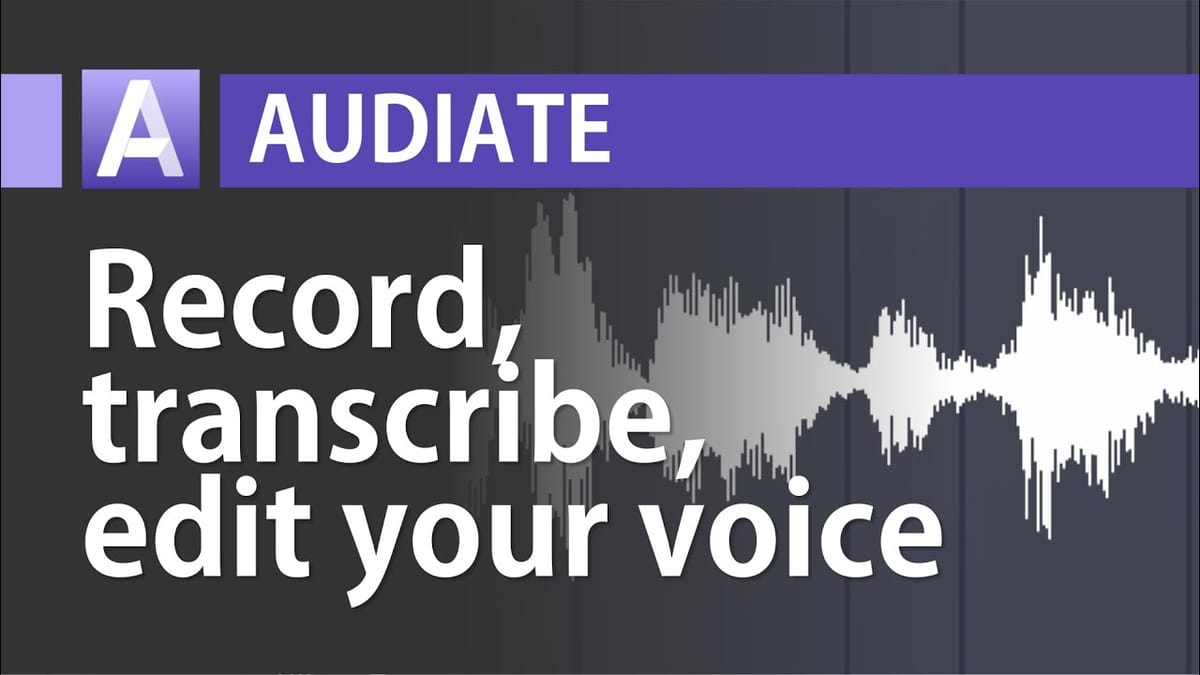
Audiate is a standalone audio editing tool from TechSmith (the makers of Camtasia) that lets you edit audio by editing text. Record or import audio, Audiate transcribes it, and you can then cut, move, and rearrange your audio by manipulating the transcript — just like editing a document.

How Audiate Works
When you record or import audio, Audiate automatically transcribes the speech to text. You can then:
- Edit text to edit audio — select and delete words in the transcript, and the corresponding audio is removed
- Move and rearrange — cut and paste text blocks, and the audio moves with them
- Correct transcription errors — right-click any word to replace it with the correct text
Removing Filler Words and Hesitations
One of Audiate’s standout features is automatic filler word detection. It identifies “ums”, “ahs”, and other hesitations in your recording and highlights them. You can then remove them all in one click:
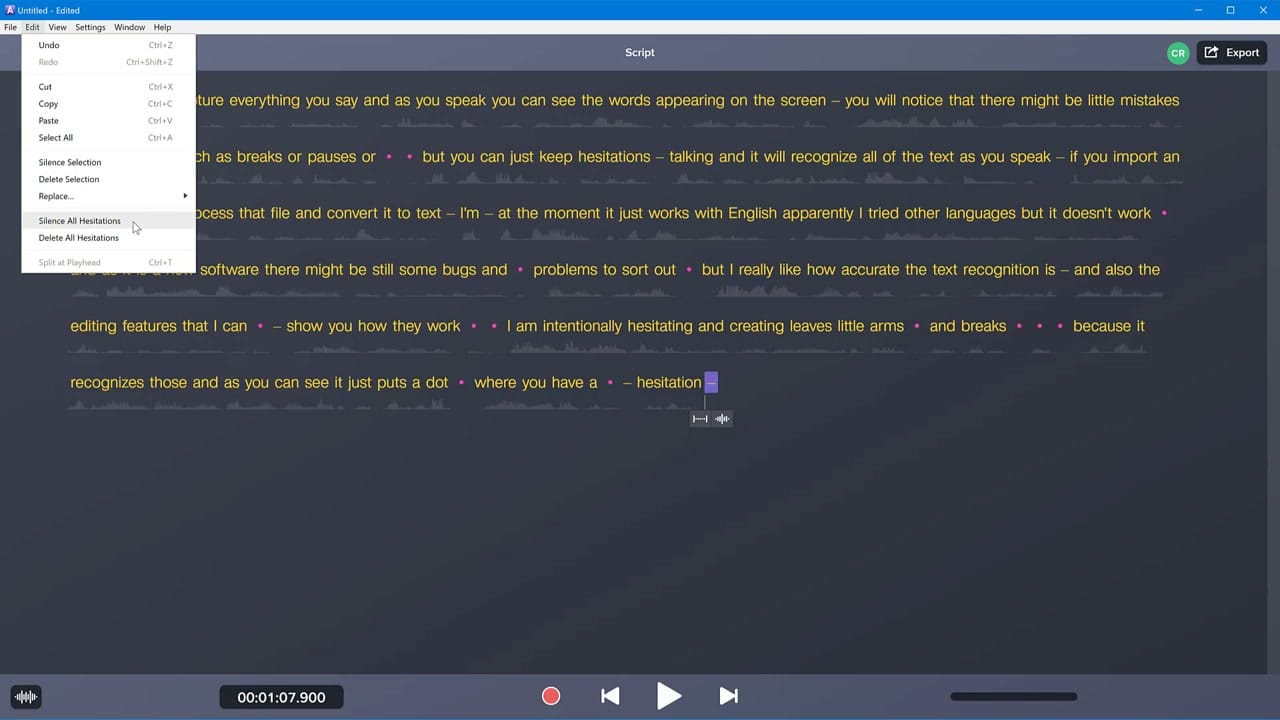
- Silence All Hesitations — replaces filler words with silence (keeps timing intact)
- Delete All Hesitations — removes filler words entirely (shortens the audio)
The Waveform Editor
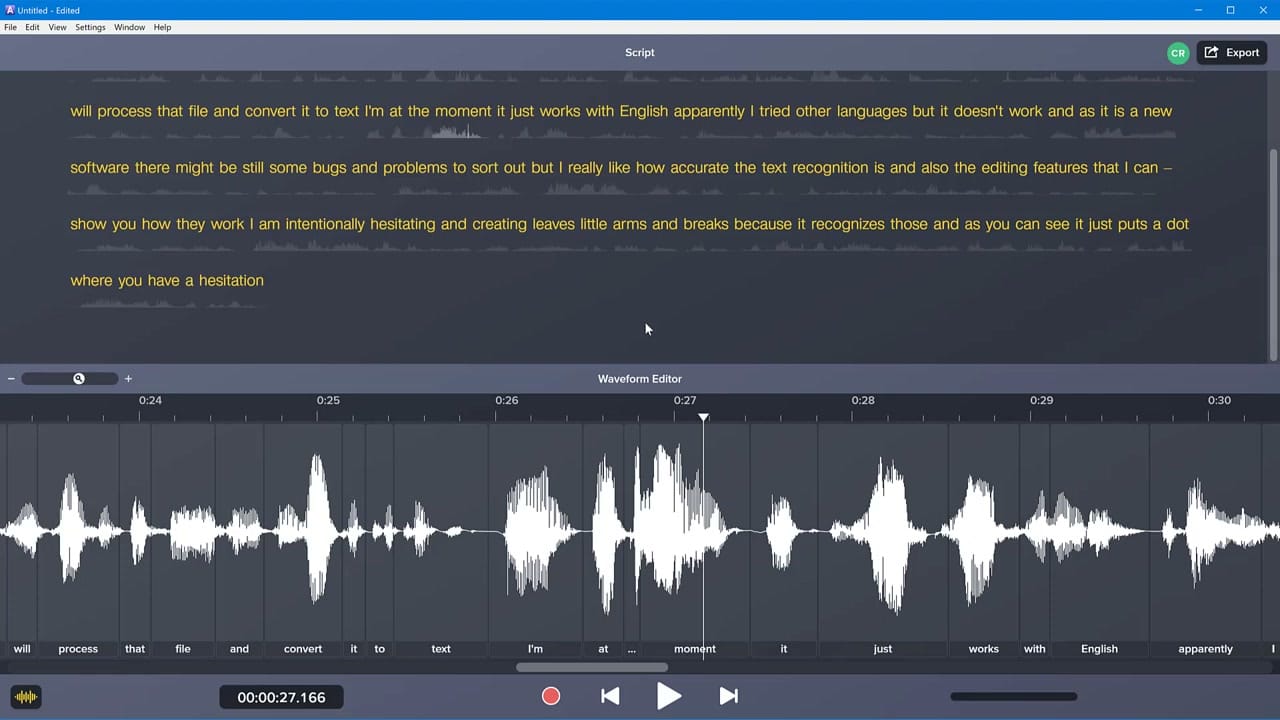
Beyond the text view, Audiate also provides a traditional waveform editor with the transcribed words labelled underneath each audio segment. This dual view — text above, waveform below — gives you both high-level text editing and precise audio control.
Integration with Camtasia
Audiate exports directly to Camtasia — your edited audio file drops straight onto the timeline. This is particularly useful for narration workflows where you record your voice-over in Audiate, clean it up, and then bring it into Camtasia for the final video.