Courses, Memberships, Digital Products in One Platform with Thinkific

There's a specific kind of fatigue that comes from managing too many platforms. One tool for hosting video, another for taking payments, a third for your community, a fourth for sending emails to your students, and somewhere in there a spreadsheet tracking who has access to what.
I've been there. Which is a big part of why I've built so much of my work on Thinkific over the years, and why I wanted to write this out properly rather than just mention it in passing.
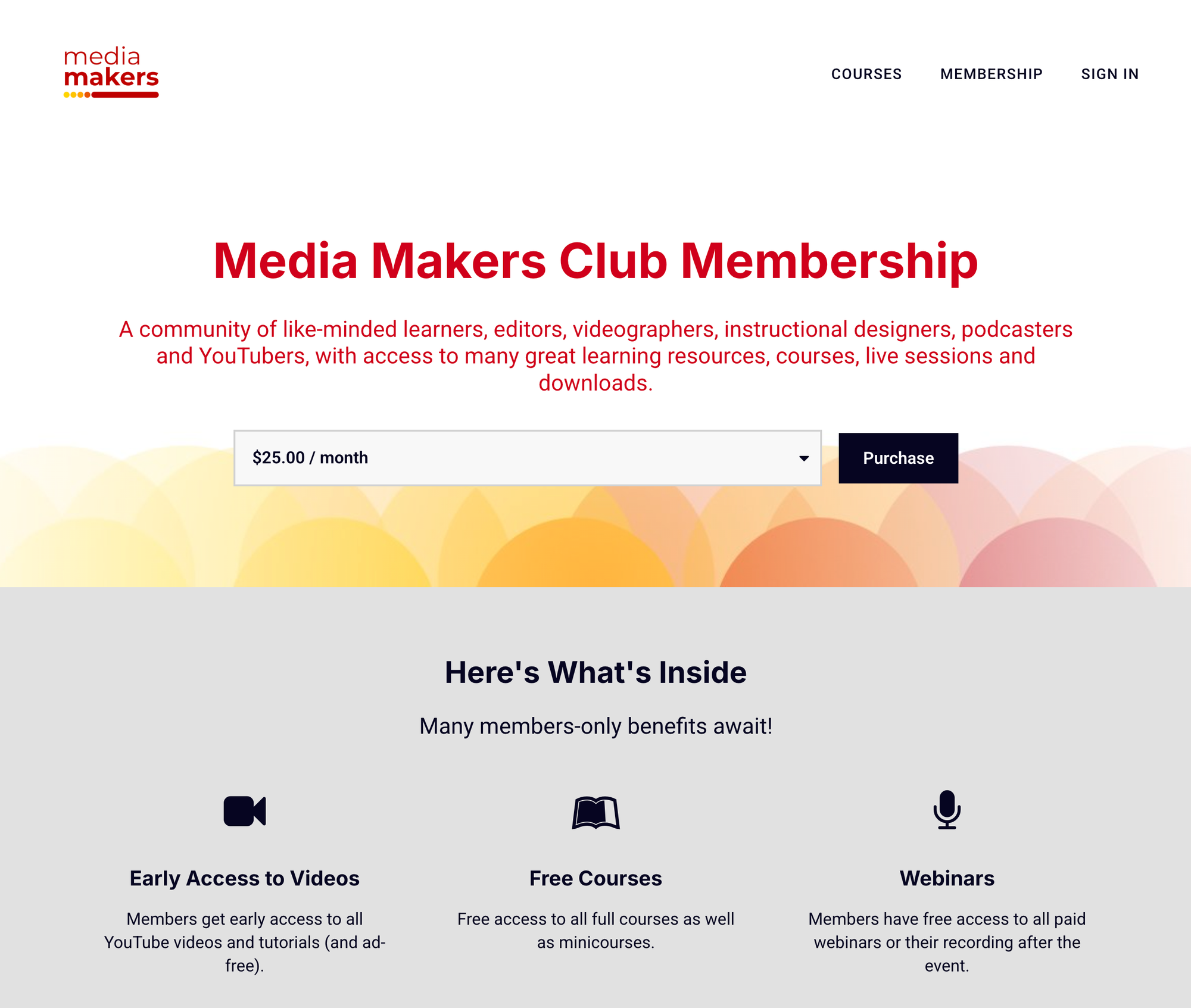
This is more of a map of what the platform actually does, written by someone who uses it to run online courses, a membership community (MediaMakers.club), and digital product sales.
If you're a creator, educator, or subject matter expert thinking about where to build your digital education business, this should give you a clear-eyed look at what Thinkific offers and how it all fits together.
The Core Idea: One Platform, Many Product Types
Thinkific positions itself as a learning commerce platform. In practice, that means it supports the full range of things a creator or educator typically needs to sell: online courses, memberships, digital downloads, live sessions, webinars, coaching packages, and community spaces. You can use some of these or all of them, and they all live in the same place, connected to the same student accounts and the same checkout flow.
That last part matters more than it sounds. When your courses, your membership, and your digital products all share the same backend, your students don't have to manage multiple logins, and you don't have to stitch together different tools just to figure out who has access to what.
Building and Hosting Courses
The course builder is drag-and-drop and requires no coding knowledge. You build courses in modules and lessons, and within each lesson you can include video, audio, PDF downloads, written content, quizzes, and assignments.
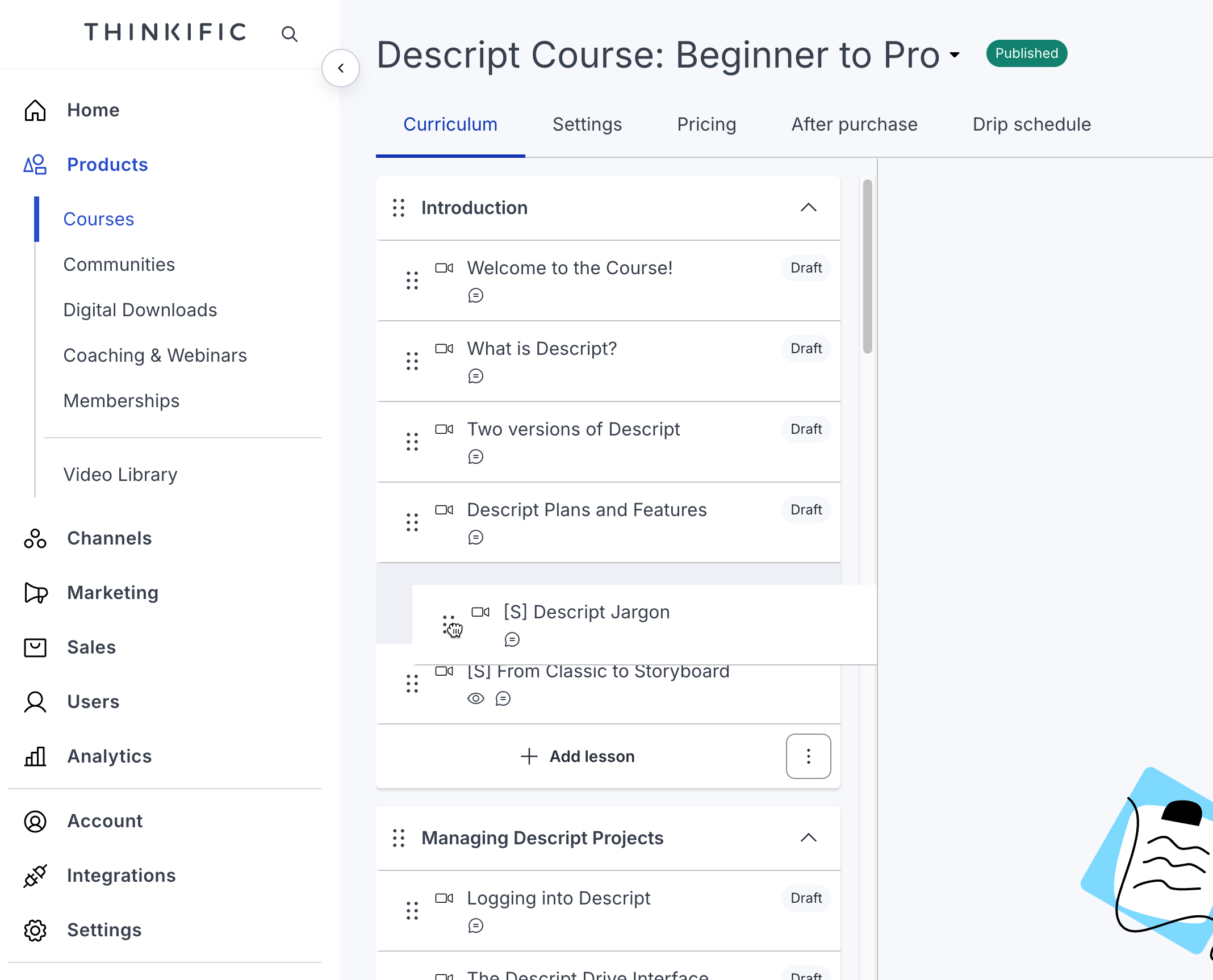
You can also drip-release content on a schedule, which works well for programs where you want students to move through material at a particular pace rather than jumping straight to the end.
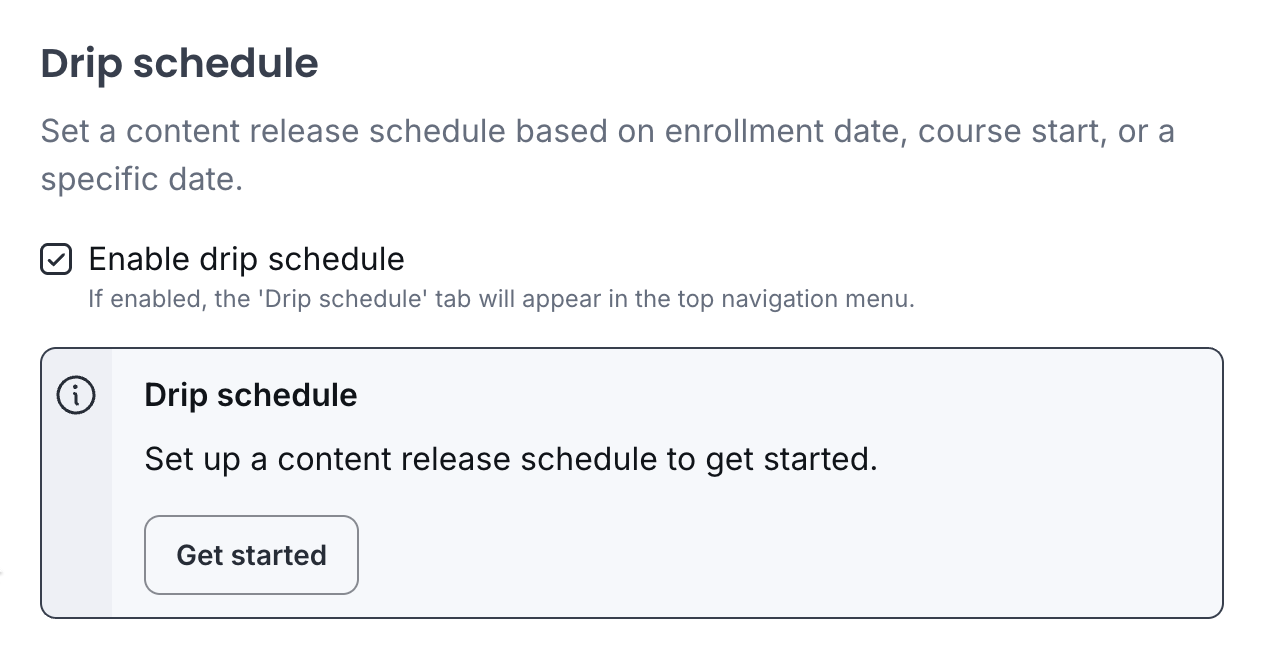
Thinkific hosts your course videos directly, so you're not relying on YouTube or Vimeo embeds. You can control exactly what students see, without related-video suggestions pulling them away.
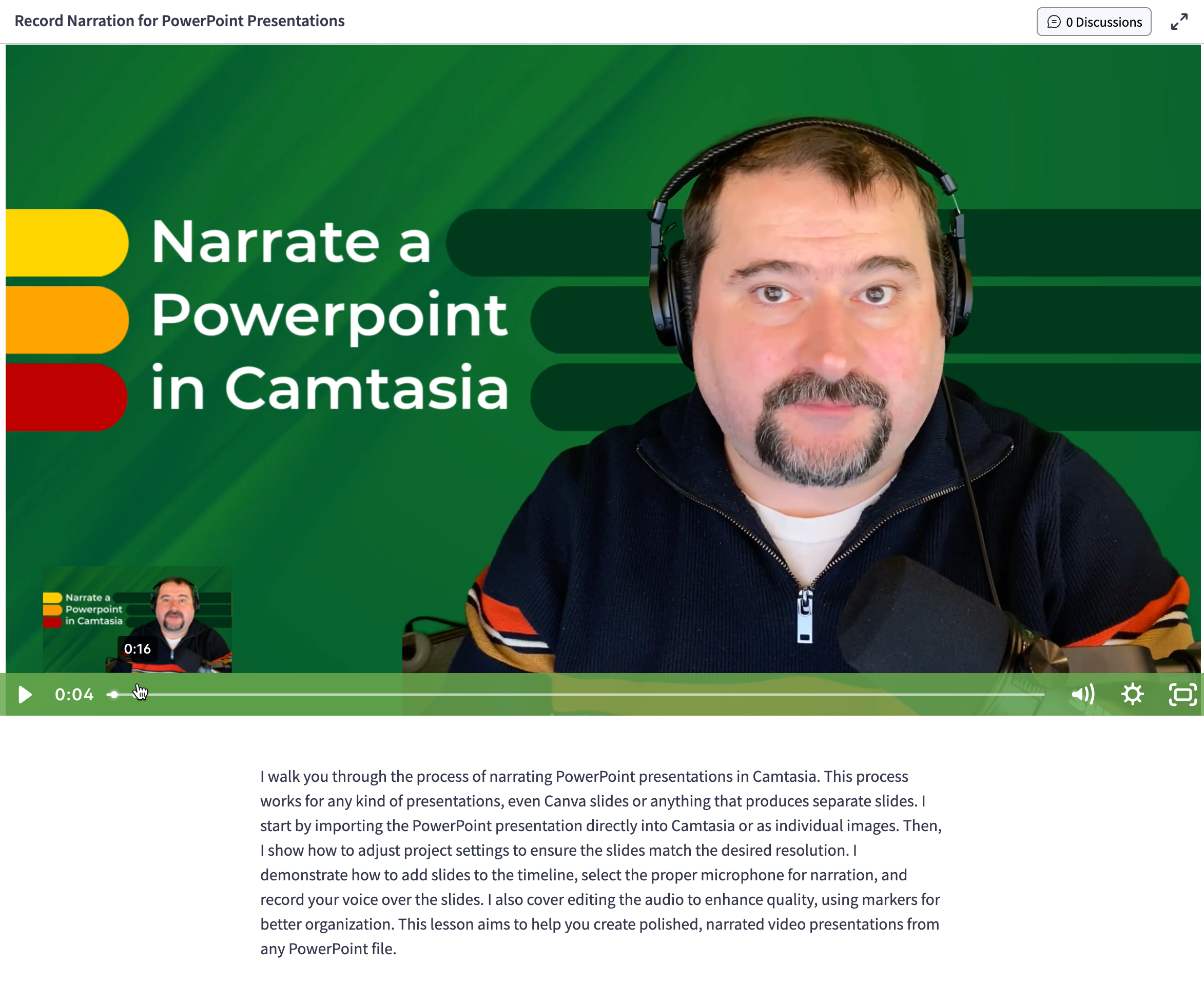
The course player is fully branded. You choose colors, fonts, and layout, so the learning experience looks like your product, not a generic template. You can also preview courses from a student's perspective before publishing, which is a small thing that saves a lot of back-and-forth when you're setting things up.
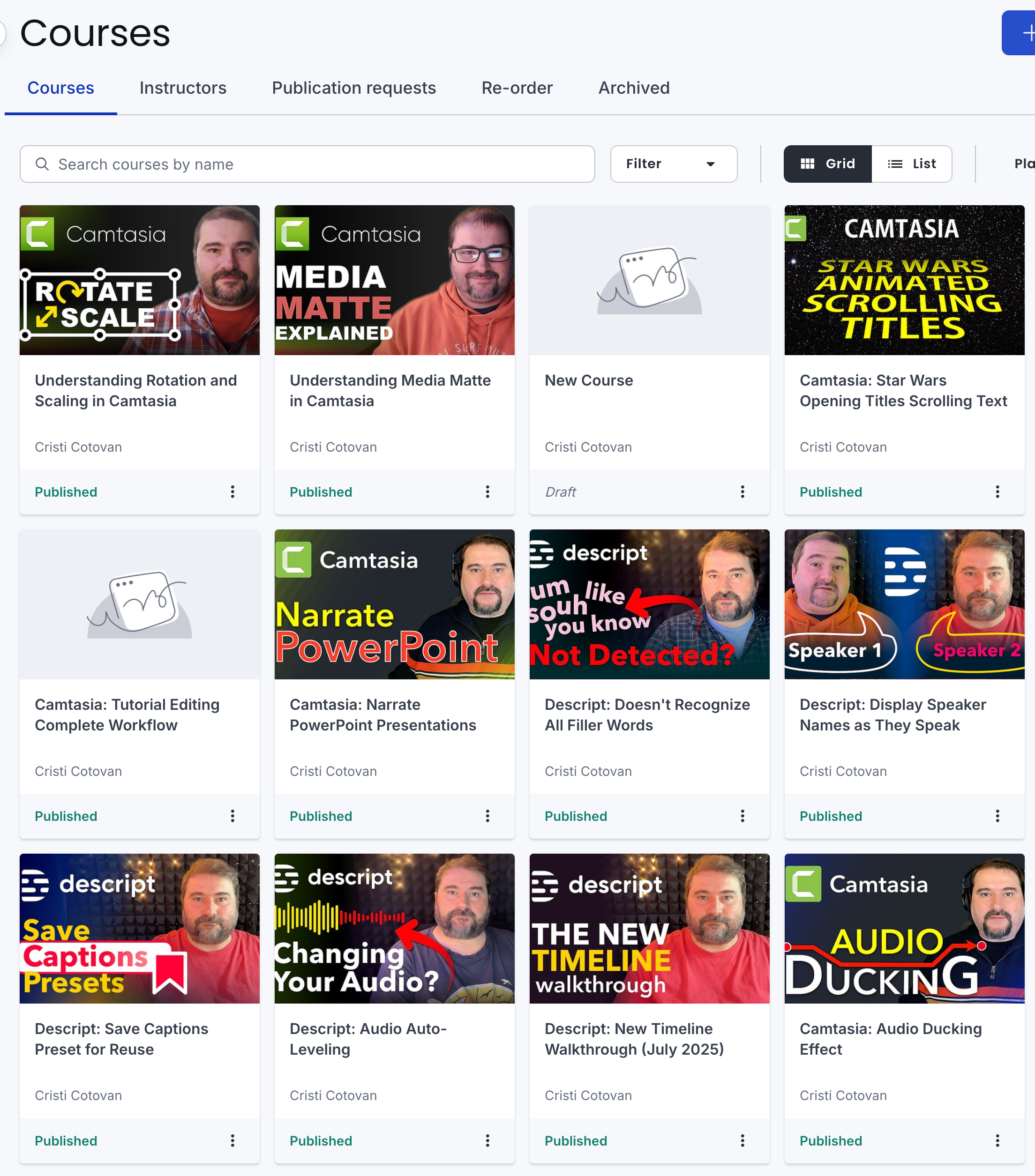
I use this to host my courses, and what I appreciate most is that once a course is live, there's genuinely not much maintenance overhead. Students get access, they work through the content, and I can see their progress without having to do anything manually.
Completion certificates are built in. You can design branded certificates that students receive when they finish a course or a learning path. That kind of credential matters in certain fields and adds real weight to professional development content.
Communities: Not Just a Discussion Board
Communities is one of the features that has developed most noticeably over the past couple of years.
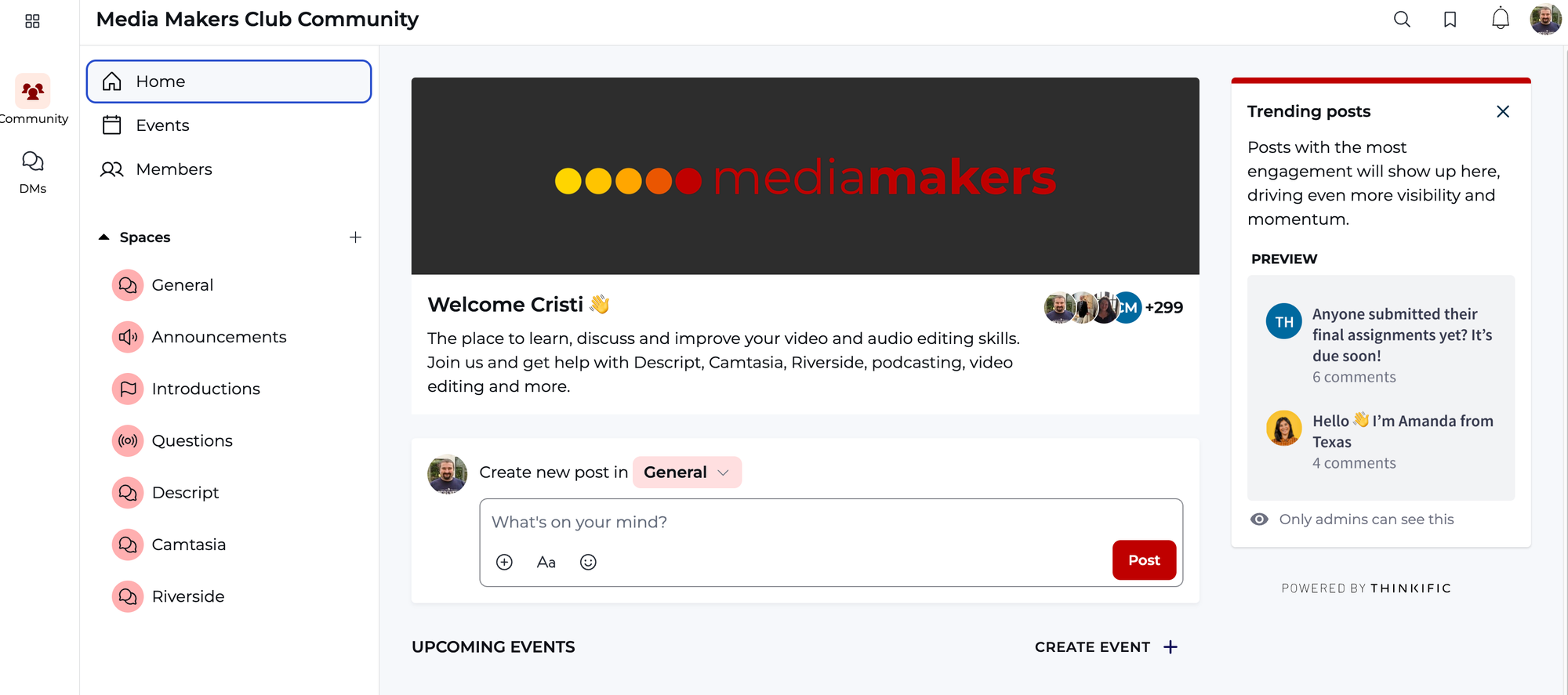
The structure works through spaces. A community can have multiple spaces, each with its own focus and discussions. Some spaces can be open to all members; others can be private, restricted to specific cohorts, tiers, or groups. Members can post, comment, react, and use @mentions. There's a threading structure that keeps discussions readable rather than turning into a wall of replies.
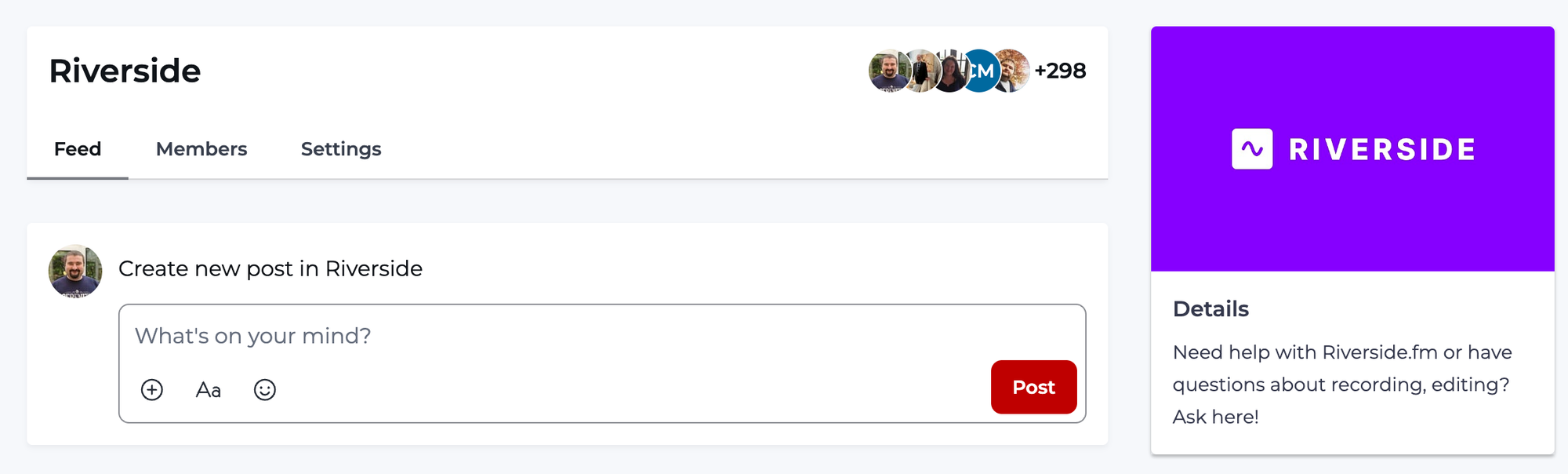
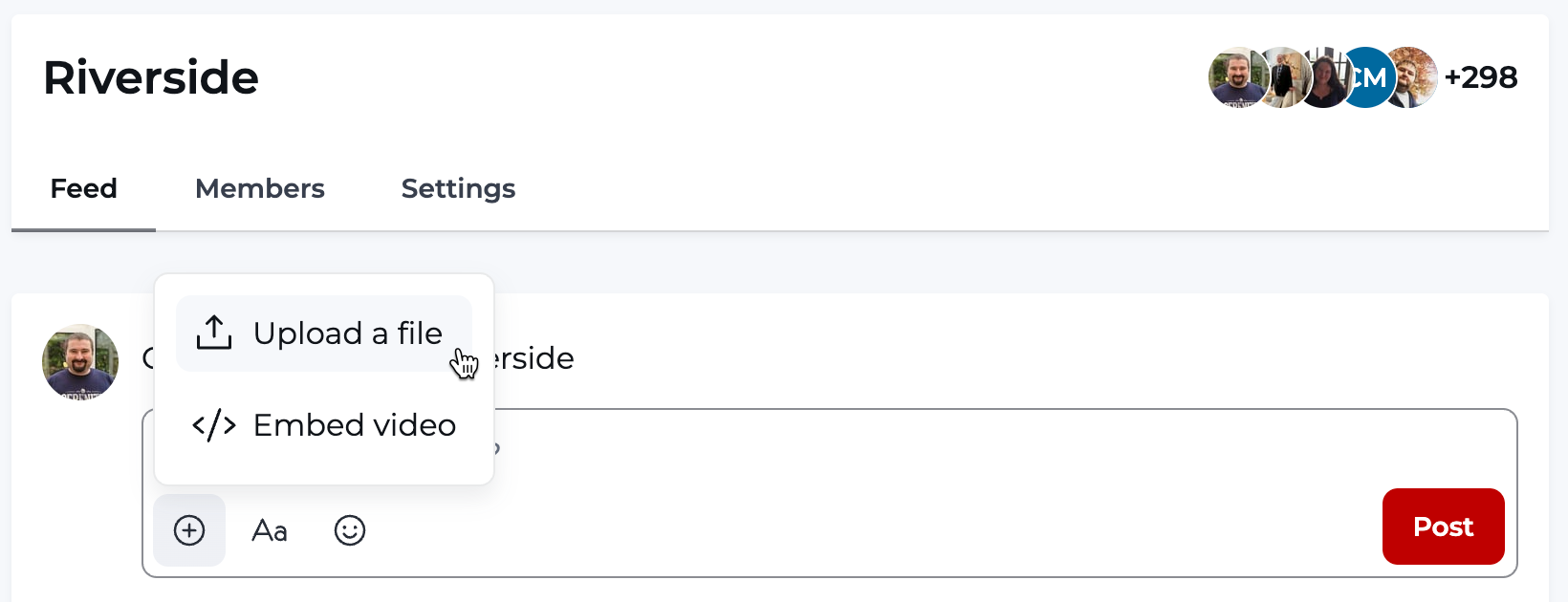
Thinkific recently added direct messaging within communities and video upload inside posts, which makes the interaction feel closer to a modern social platform rather than a bulletin board.
What makes this genuinely useful rather than just a nice extra is the integration with the rest of the platform. The Learner Hub lets students move between their courses and their community spaces in one connected experience. They don't have to leave your ecosystem to find the conversation.
There's also a mobile app with push notifications, so members can stay connected without having to log into a browser. Thinkific recently modernized the community interface and mobile experience, and the weekly digest emails that go out automatically help keep engagement going between active sessions.
One practical thing worth knowing: you can sell a community as a standalone product, not just as part of a course or membership. If your business is primarily community-driven rather than course-driven, that flexibility matters.
Memberships: Recurring Access, Not Just Recurring Payments
A Thinkific membership is essentially a subscription container. Inside it, you can include any combination of courses, community access, digital downloads, and live sessions. Members pay a recurring fee and get ongoing access to everything you've packaged into that membership.
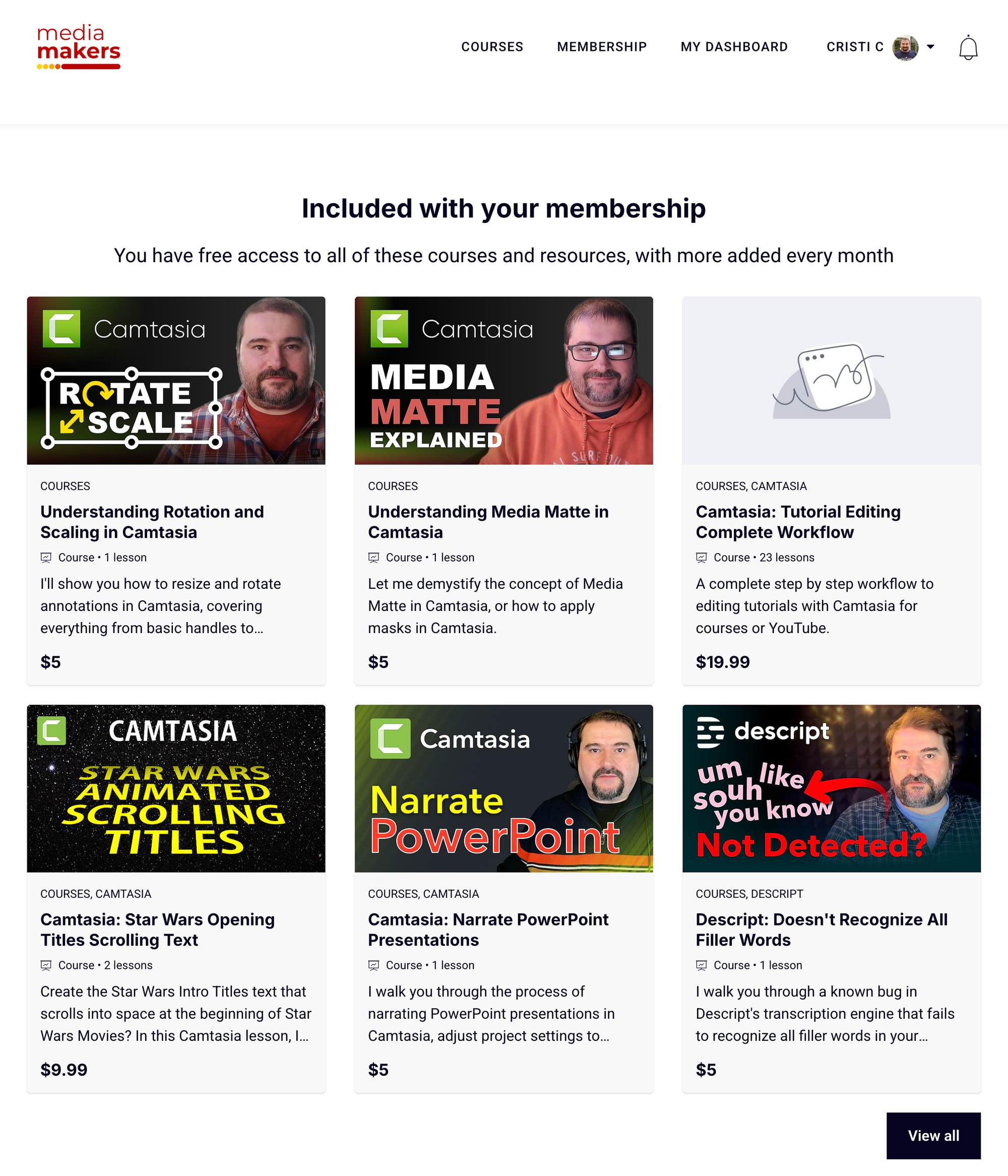
For MediaMakers.club, this is how I give members monthly access to a growing content library alongside the community. As I add new courses or resources, I add them to the membership and existing subscribers automatically get access. There's no need to manually adjust anything per member or send individual access links.
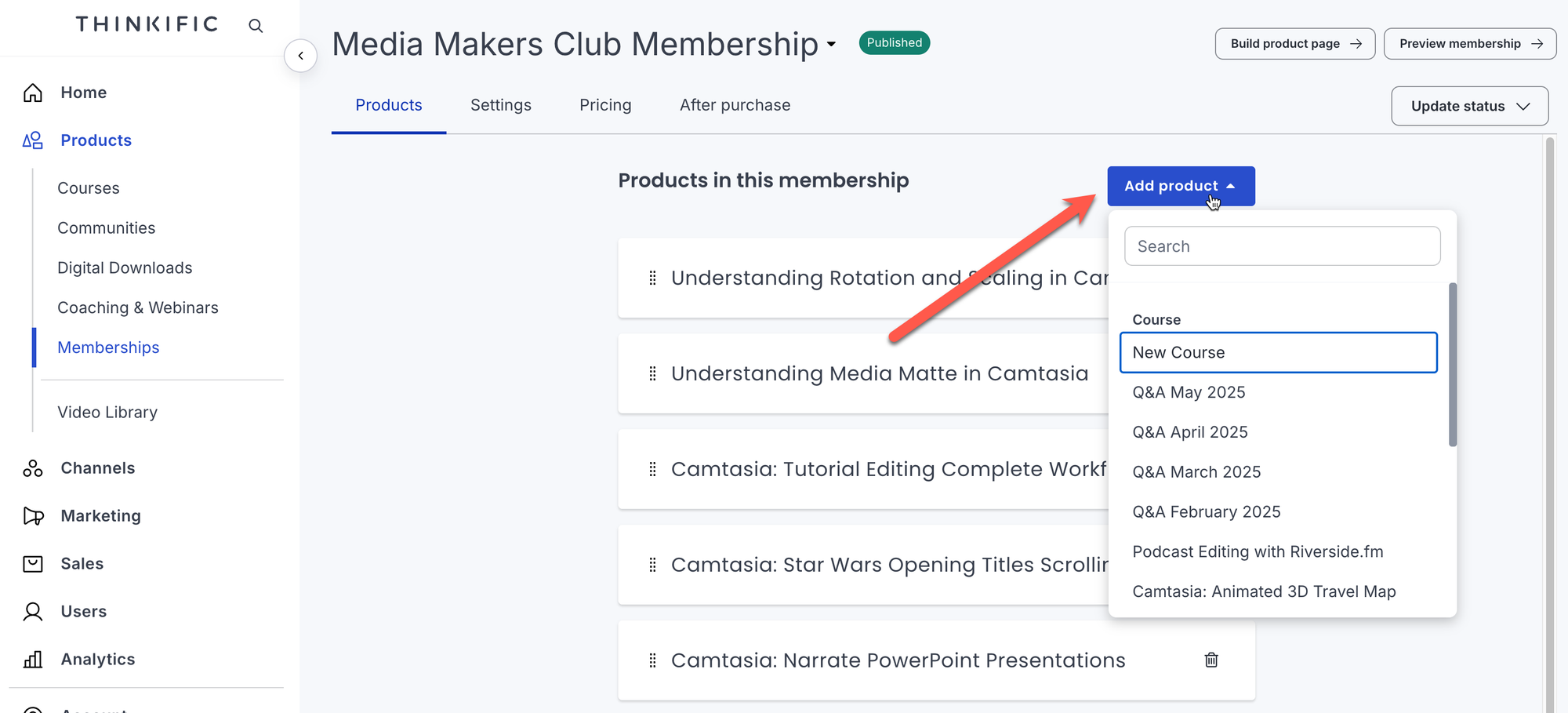
You can create multiple membership tiers at different price points, each with different levels of access. A lower tier might include the community and a selection of courses; a higher tier might include everything plus priority access to live sessions. Each tier is set up as a separate membership product, and they're displayed together on your site for potential members to compare.
Subscriptions run through Stripe or Thinkific Payments, and the billing management is handled on the platform side. You can set billing dates, trial periods, and pricing adjustments, and the recent commerce updates have made it easier to apply coupons to subscriptions and manage what happens when payment fails.
Digital Products and Bundles
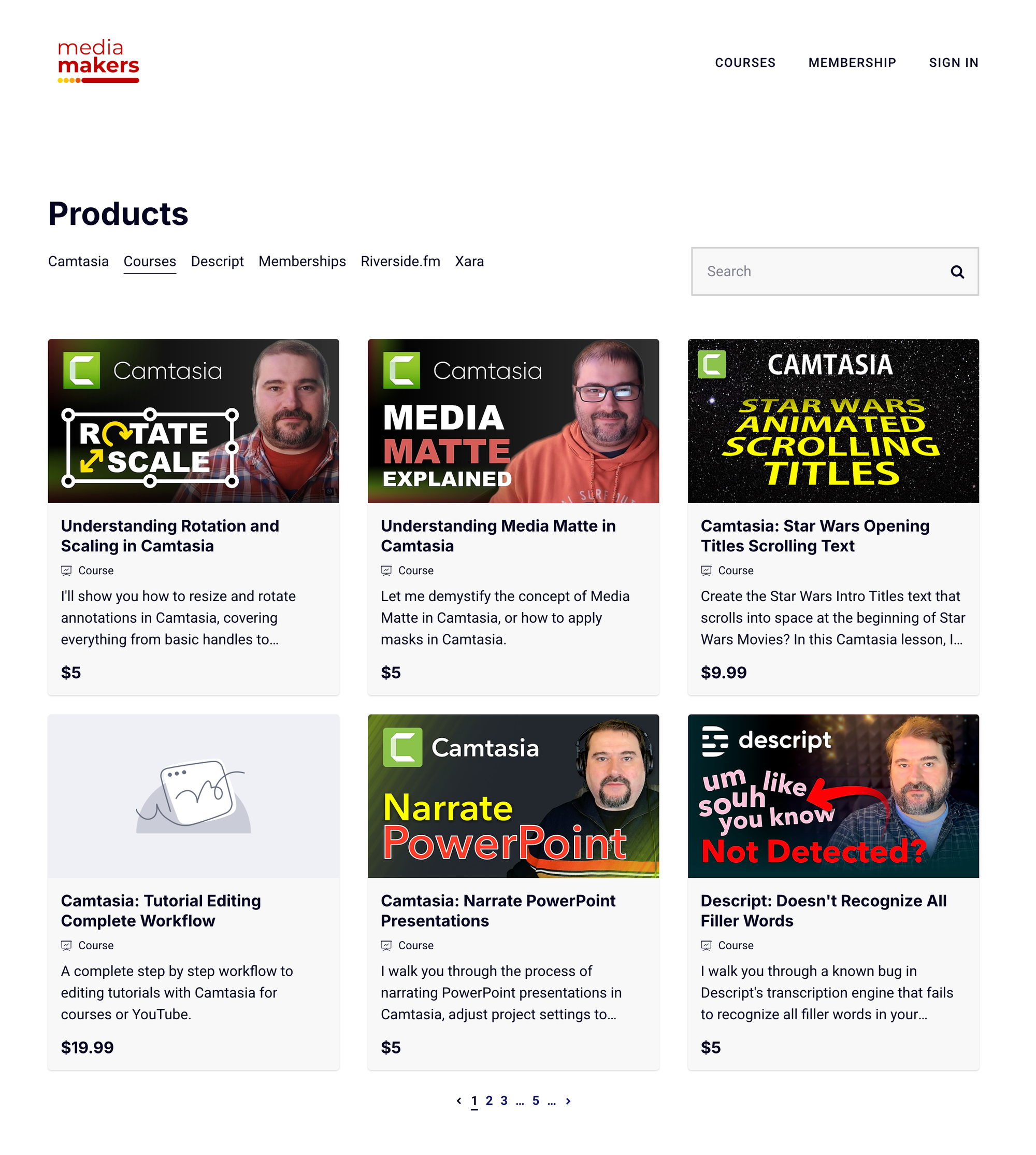
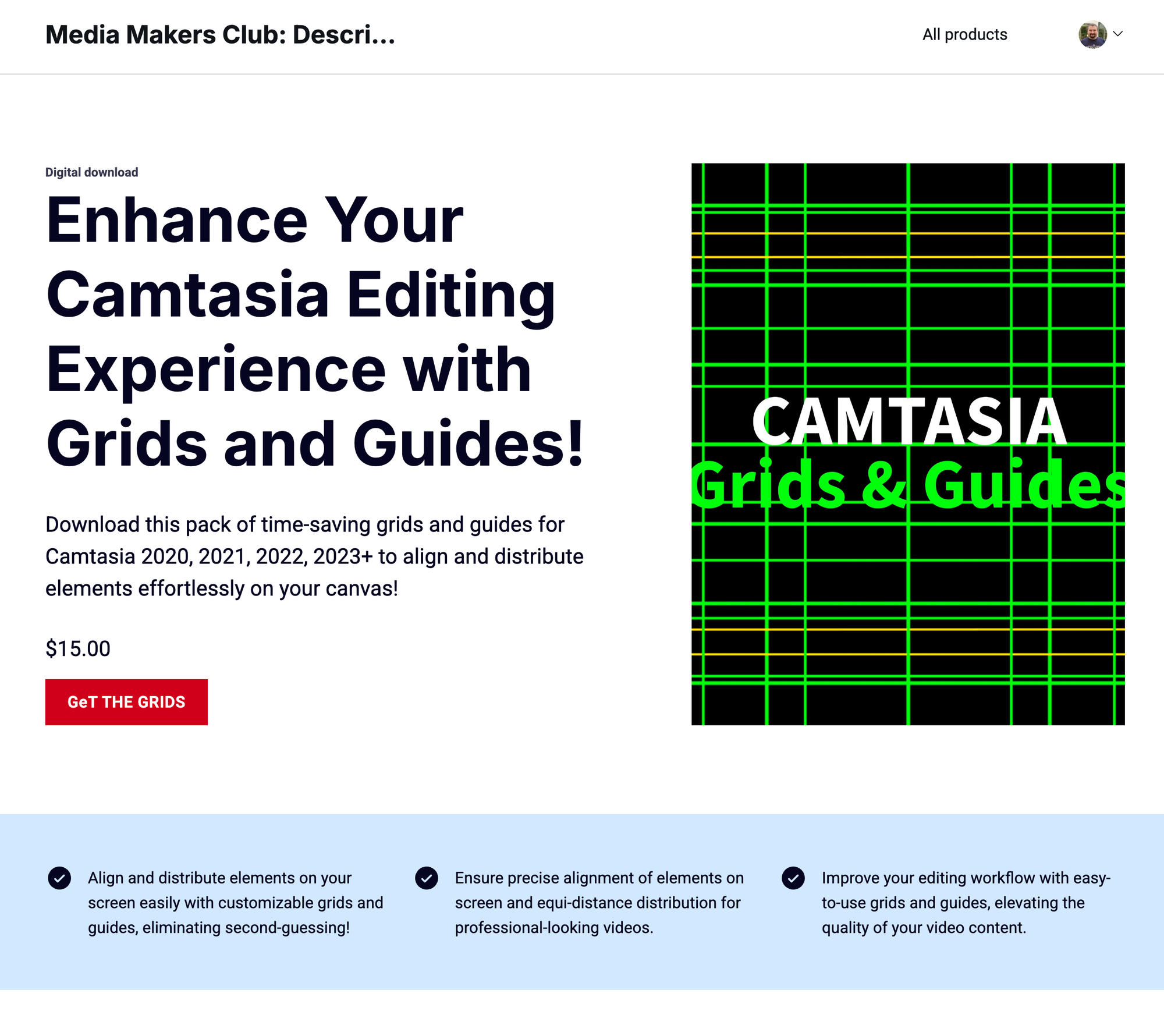
Beyond courses and memberships, Thinkific supports the sale of digital downloads as standalone products. These can be PDFs, templates, workbooks, audio files, or any other downloadable file. You set a price, someone checks out, and they get access to the download. Simple. I use this to sell my Camtasia assets, for example:
Bundles let you package multiple products together at a combined price. You might bundle three related courses at a discount, or pair a course with a set of templates. This is where you can get creative with your product catalog without needing to manage it across multiple platforms.
I sell a few digital products this way, and having them in the same place as my courses and membership means there's one checkout experience, one student account, one place where everything lives.
There's also a one-click upsell feature built into checkout. After a student purchases, you can present a relevant offer before they complete the process. It's a straightforward sales mechanic that doesn't require any third-party funnel tool.
The Website and Storefront
Thinkific includes a website builder, which means you don't need a separate hosting setup just to have a storefront for your courses. You can build landing pages, a home page, a course catalog, and individual course or product pages, all within the platform.
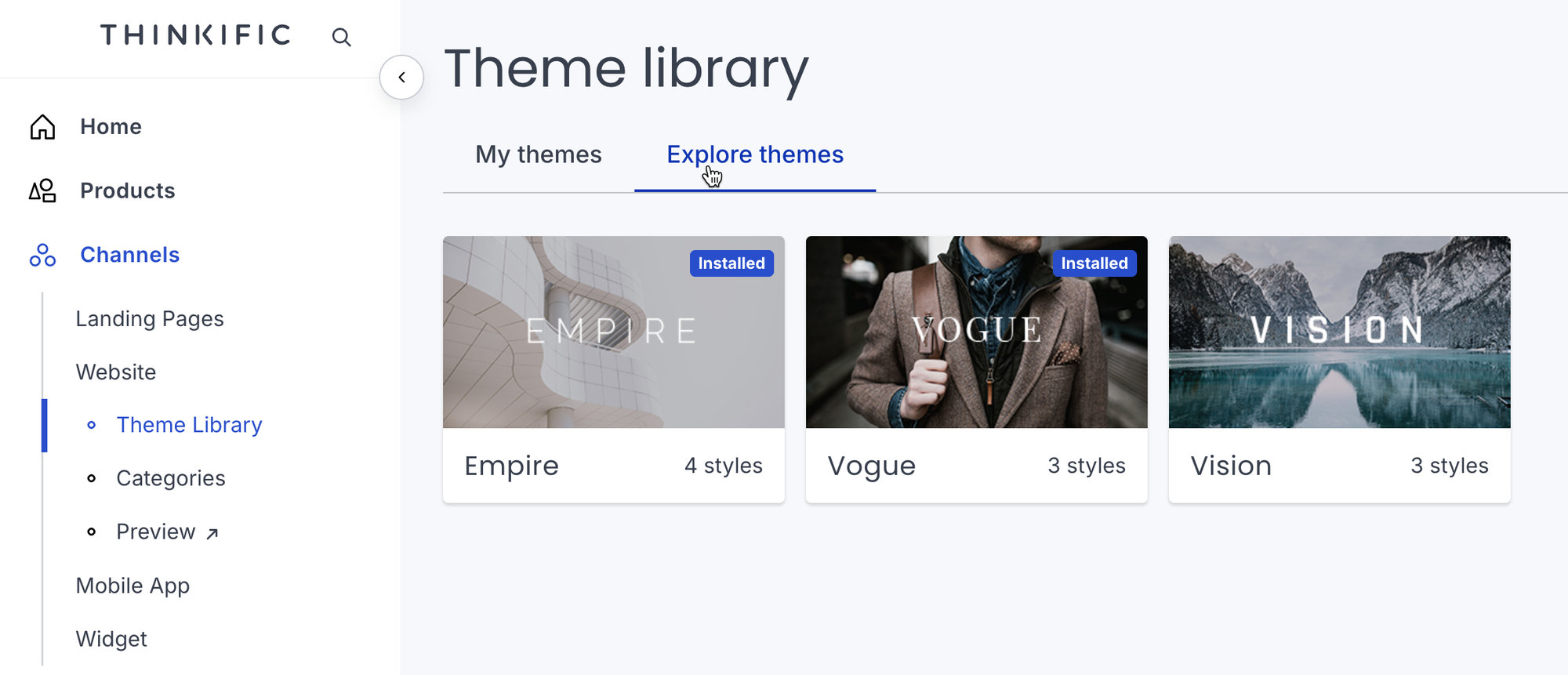
You can use a custom domain, so it looks like your own site rather than a subdomain of Thinkific's. The builder is template-based, but it gives you enough control over branding that the result feels like your own space. If you already have a website built on WordPress or another CMS, you can integrate Thinkific so that courses and products appear as part of your existing site rather than replacing it.
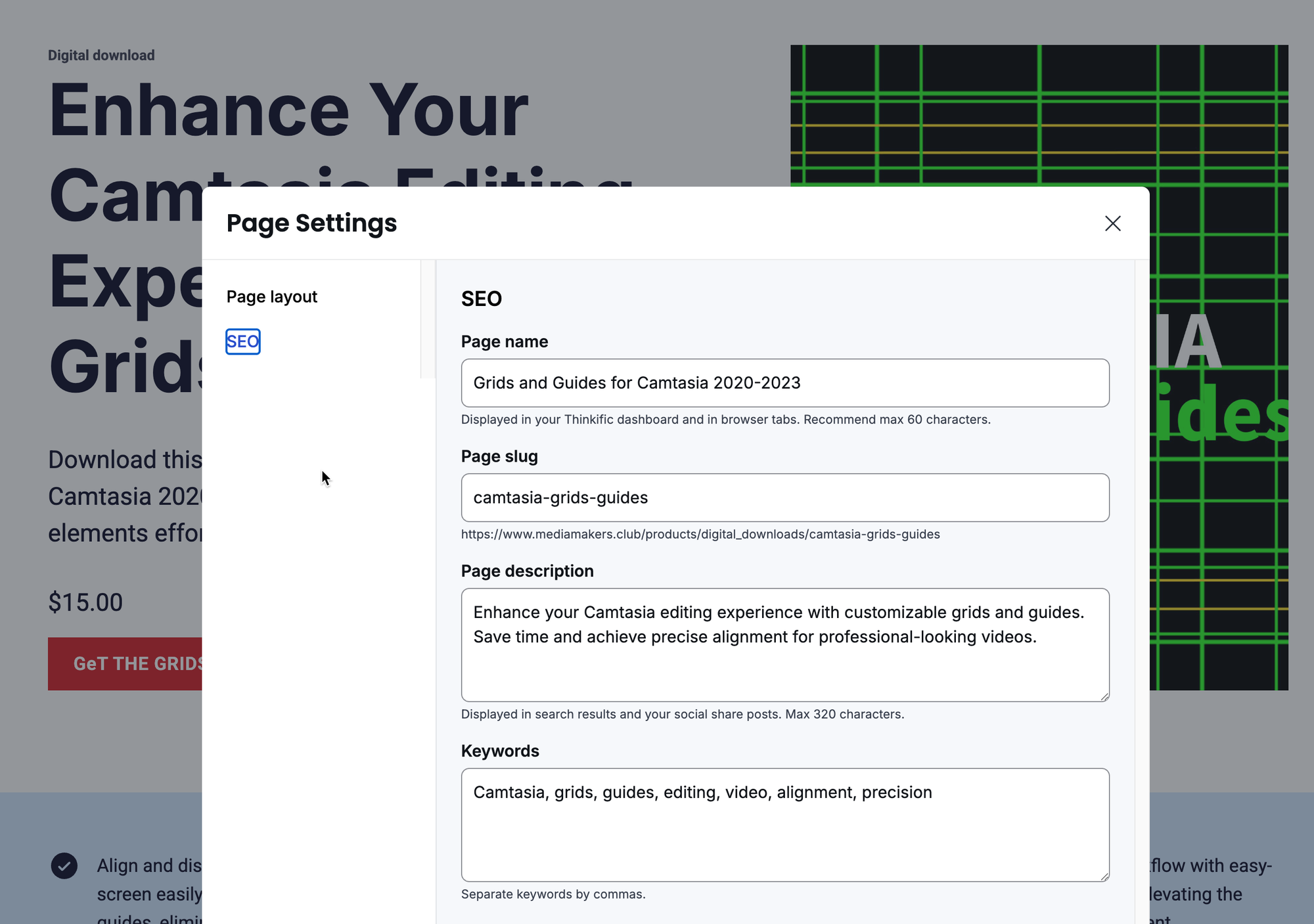
SEO settings are built in at the page level, so you can set titles, meta descriptions, and slugs without needing a plugin.
Analytics, Integrations, and the Practical Bits
Thinkific's analytics dashboard shows you enrollment numbers, completion rates, revenue, and student engagement data. On higher plans, you get more granular reporting. You can export data or connect external analytics tools through integrations.
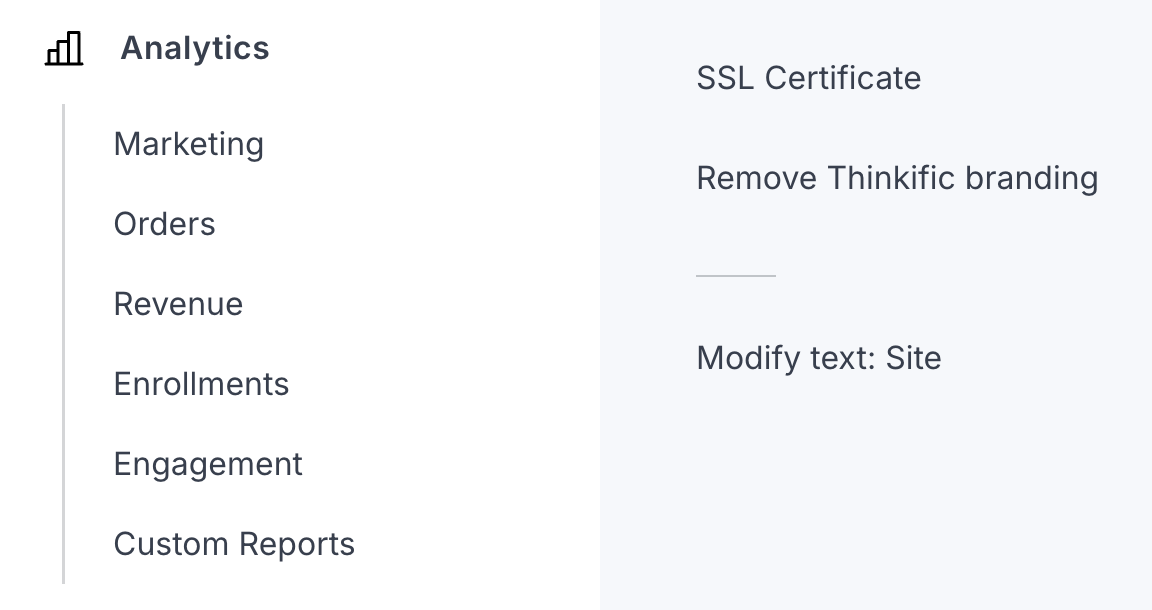
The integrations list covers most of what you'd need. Email marketing tools including Mailchimp, ConvertKit, and others connect through either native integrations or Zapier. CRM tools connect at higher plan levels. The API is available on Grow and above, which opens up more custom workflows if you have development resource.
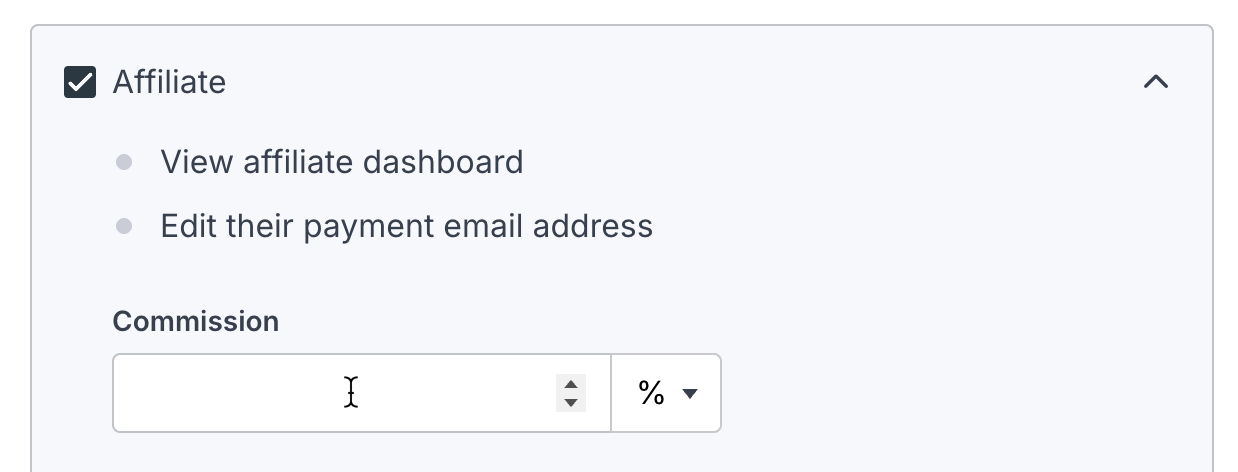
There's also a built-in affiliate program, so you can let others promote your courses and products in exchange for a commission. It's not the most feature-rich affiliate system on the market, but it covers the basics without requiring a separate tool.
AI Features
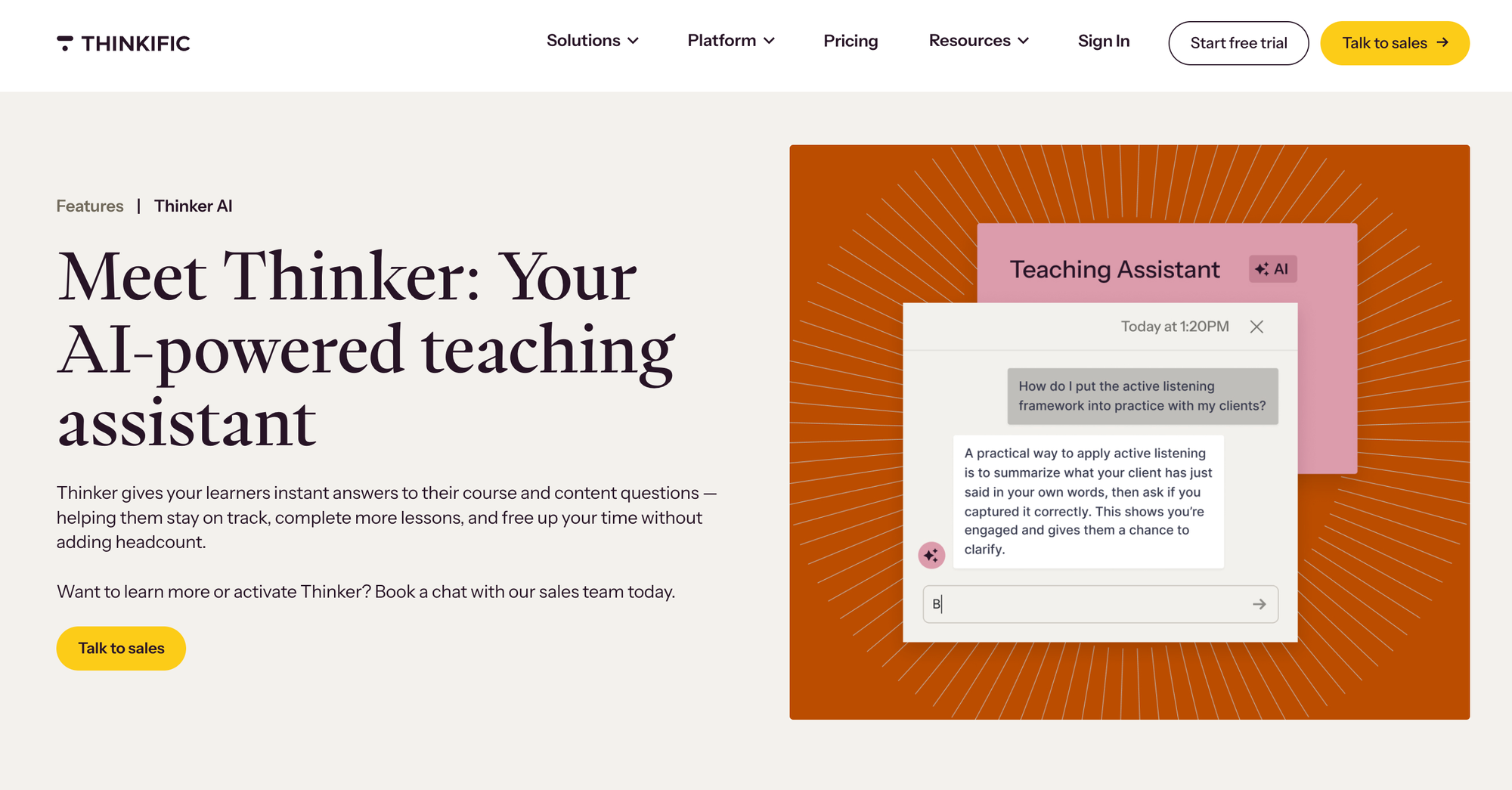
The most recent addition worth noting is Thinker, Thinkific's AI teaching assistant, which became generally available in February 2026. The idea is that you train it on your own course content and it can answer learner questions based on what you've already created, essentially acting as a first-line support layer that knows your material.
For creators running at scale or with a large content library, this reduces the support burden without replacing the human side of your teaching.
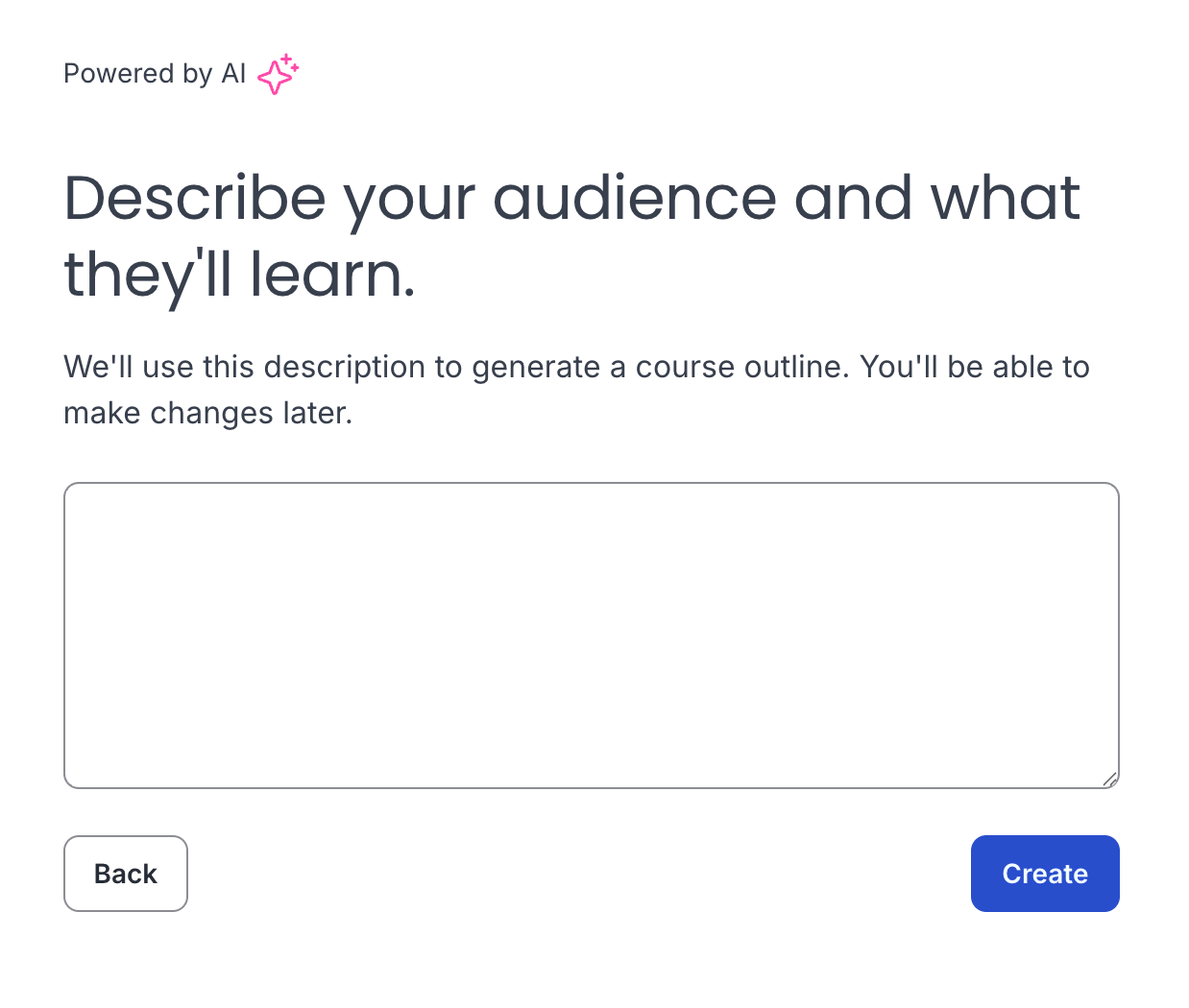
There's also an AI course outline generator, which is useful when you're starting a new course and want to turn your existing knowledge into a structured curriculum faster than you would working from a blank page.
A Few Honest Notes
Thinkific removed its free plan a couple of years ago, so there's no indefinitely free tier. There is a 30-day trial that lets you build and explore before committing. The paid plans start at around $36/month on the Basic plan and go up depending on what you need. Memberships and live lessons are on the Start plan and above. Communities with multiple spaces and advanced analytics are on Grow and above.
The customization options are solid for most use cases, but if you want fully custom page designs that go beyond the template system, you'll need either coding knowledge or a developer. That's not unusual for platforms at this level.
What I can say from using it consistently is that the things I rely on most work reliably. Payments process correctly, student access is managed automatically, and the community stays organized without constant manual input. For a creator running a medium-complexity business without a large technical team, that reliability is worth a lot. And I like the unlimited video space!
The Bottom Line
If you're building any combination of online courses, a paid community, a subscription membership, or digital product sales, Thinkific covers all of it from one place. That's not a given in this space. A lot of platforms do one or two of these things well but require you to stack additional tools for the rest.
What I run through Thinkific, including courses, MediaMakers.club, and a selection of digital products, would otherwise require at least three or four separate platforms stitched together. Instead, students have one login, I have one backend, and payments and access management happen automatically.