Camtasia 2021 More than Doubled Transitions - Here They All Are

Camtasia includes a comprehensive library of transitions you can use between clips. This guide covers every transition category available, so you can pick the right one for your videos.
Transition Categories
- Fades — classic fade to black, fade through white, and cross dissolve
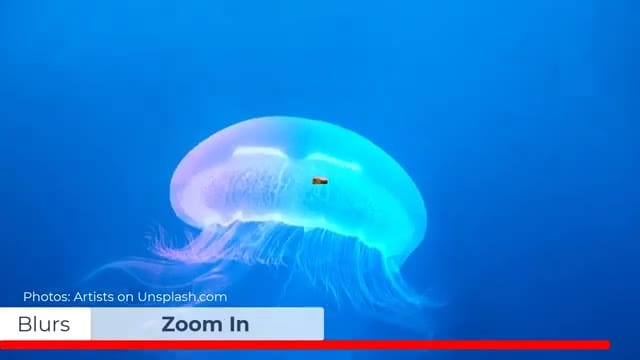
- Blurs — zoom in/out blur, motion blur transitions
- Solids — growing squares, shrinking circles, and geometric wipes
- 3D — 3D swing, cube rotate, page flip effects
- Divisions — rhombus dots, hexagons, and patterned reveals
- Slides — directional slides from any edge
- Wipes — linear and radial wipe transitions
How to Apply Transitions
- Open the Transitions panel from the left sidebar
- Browse categories or search for a specific transition
- Drag and drop a transition between two clips on the timeline
- Adjust the duration by dragging the edges of the transition on the timeline
- Preview the result in the canvas
Tips for Using Transitions
- Less is more — stick to 1-2 transition styles per video for a professional look
- Match the tone — use subtle fades for corporate content, dynamic 3D effects for creative projects
- Consistent duration — keep transitions the same length throughout for visual consistency
- Save favorites — right-click transitions you use often and add them to Favorites for quick access
If you’re wish to learn more about Camtasia and wish to have a one-on-one Camtasia coaching session, feel free to book a call with me.
I’m here to help you with any questions you have and to guide you through the best workflows, tips, workarounds, or just answer any questions you may have!