
How to Use the Favourites Feature in Camtasia


Camtasia 2020 introduced a Favourites feature that lets you collect your most-used effects, transitions, annotations, and behaviours into a single, quick-access section. No more switching between tabs to find the tools you use constantly.
Adding Items to Favourites
To add any effect, transition, annotation, or behaviour to Favourites:
- Navigate to the item in its original section (e.g., Transitions, Annotations)
- Right-click and select Add to Favourites (or click the star icon)
- The item now appears in the Favourites section on the left sidebar
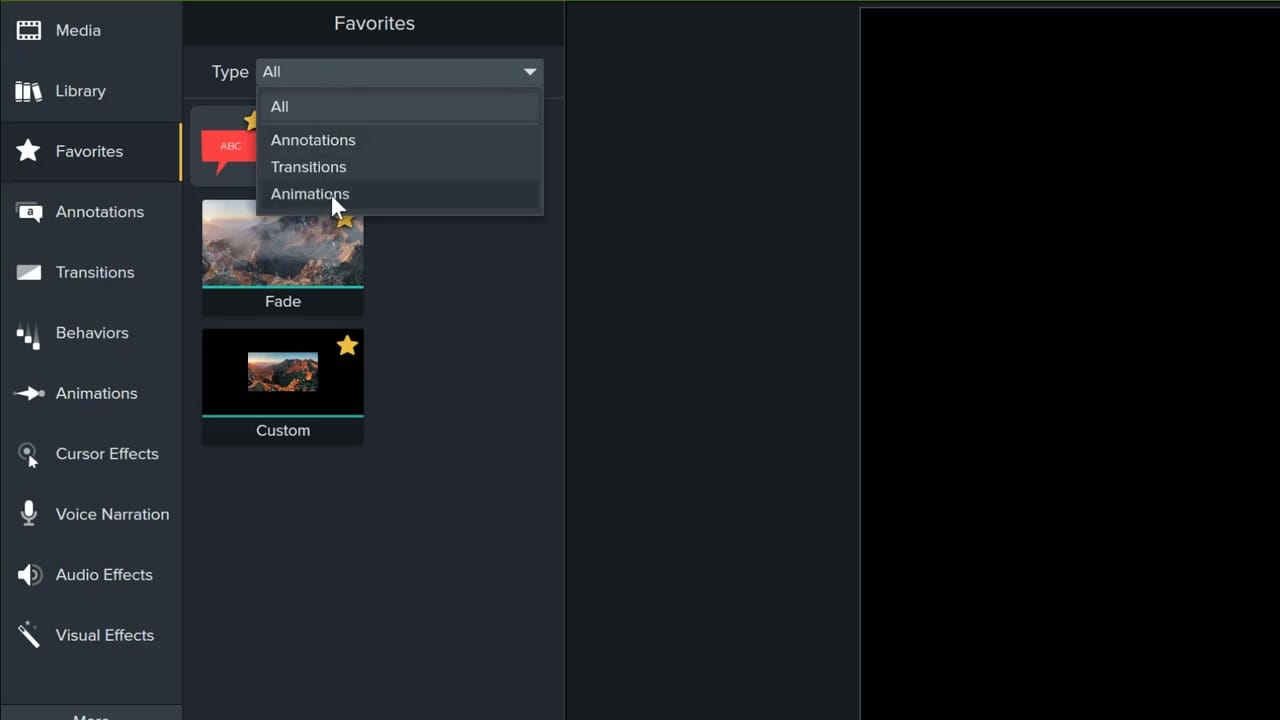
Filtering Favourites
The Type dropdown lets you filter by category — All, Annotations, Transitions, Behaviors, or Animations — so you can quickly find what you need even as your favourites list grows.
This is similar to the Media Library where you store reusable assets, but Favourites is specifically for program features rather than media files. You can also save and reuse effects stacks for commonly applied combinations of effects.