Lottie File Animation Support in Camtasia

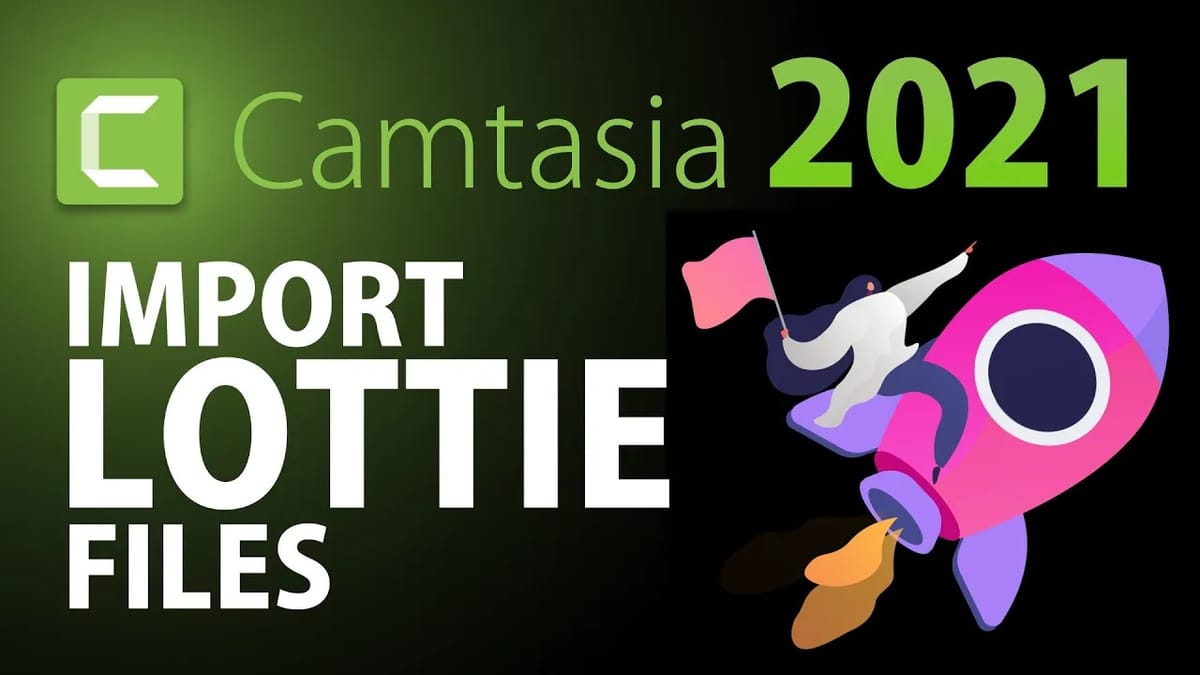
Camtasia added support for Lottie file animations, allowing you to import lightweight, scalable vector animations directly into your video projects. Lottie files are widely used in web and app design, and now you can use them in your videos too.
What Are Lottie Files?
Lottie is an open-source animation format that renders After Effects animations in real time. They're:
- Lightweight — much smaller than GIFs or video files
- Scalable — vector-based, so they look sharp at any size
- Transparent — no background, perfect for overlaying on video
- Free — thousands available on LottieFiles.com
How to Use Lottie Files in Camtasia
- Download a .json Lottie file from LottieFiles.com or another source
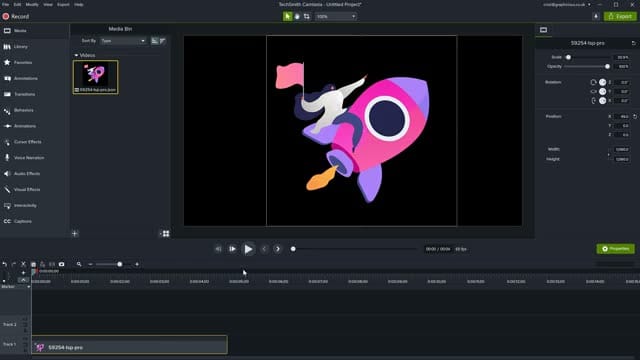
- In Camtasia, go to File > Import > Media and select your Lottie file
- Drag the imported animation from the Media Bin onto the timeline
- Resize and position it on the canvas using the Properties panel
- The animation plays automatically — adjust timing by trimming the clip on the timeline
Use Cases
- Animated icons — loading spinners, checkmarks, arrows
- Decorative elements — confetti, sparkles, transitions
- Character animations — animated avatars and mascots
- Infographics — animated charts and data visualizations
If you’re wish to learn more about Camtasia and wish to have a one-on-one Camtasia coaching session, feel free to book a call with me.
I’m here to help you with any questions you have and to guide you through the best workflows, tips, workarounds, or just answer any questions you may have!